Dive planning was important. It was also, at times, a bit of a production.
Find the table. Find the right row. Keep your place. Work out the pressure group. Account for the surface interval. Check the next depth. Write it down somewhere the boat spray can’t reach. And if the plan changes? Congratulations: you get to do the whole thing again.
So if you ever looked at that process and thought, I’ll just follow the briefing, that wasn’t necessarily laziness. Sometimes the tools really did make planning feel like homework with wet hands.
That’s the part worth admitting: the fear of dive planning was often a reasonable reaction to the experience of planning.
A small museum of dive-planning inconveniences
There was the photocopied table card, laminated for durability and somehow still easy to lose. The tiny grid boxes you had to squint at while trying not to lose your place. The RDP Wheel, which could be useful but also had a way of spinning just when you needed the number underneath it.
Then there were wet notes and grease pencils on slates. They did the job, until the slate got wet, the pencil got smudged, or a wave arrived in the middle of a calculation. On a rocking boat, even holding still could feel like part of the exercise.
And the calculations had their own choreography: pressure groups, surface intervals, residual nitrogen time. Do the steps, check the result, then do the math again because you weren’t entirely sure whether you’d read the right box. Change the planned depth? Erase. Change the gas? Rework the plan. Change it again? Your slate had become a draft document.
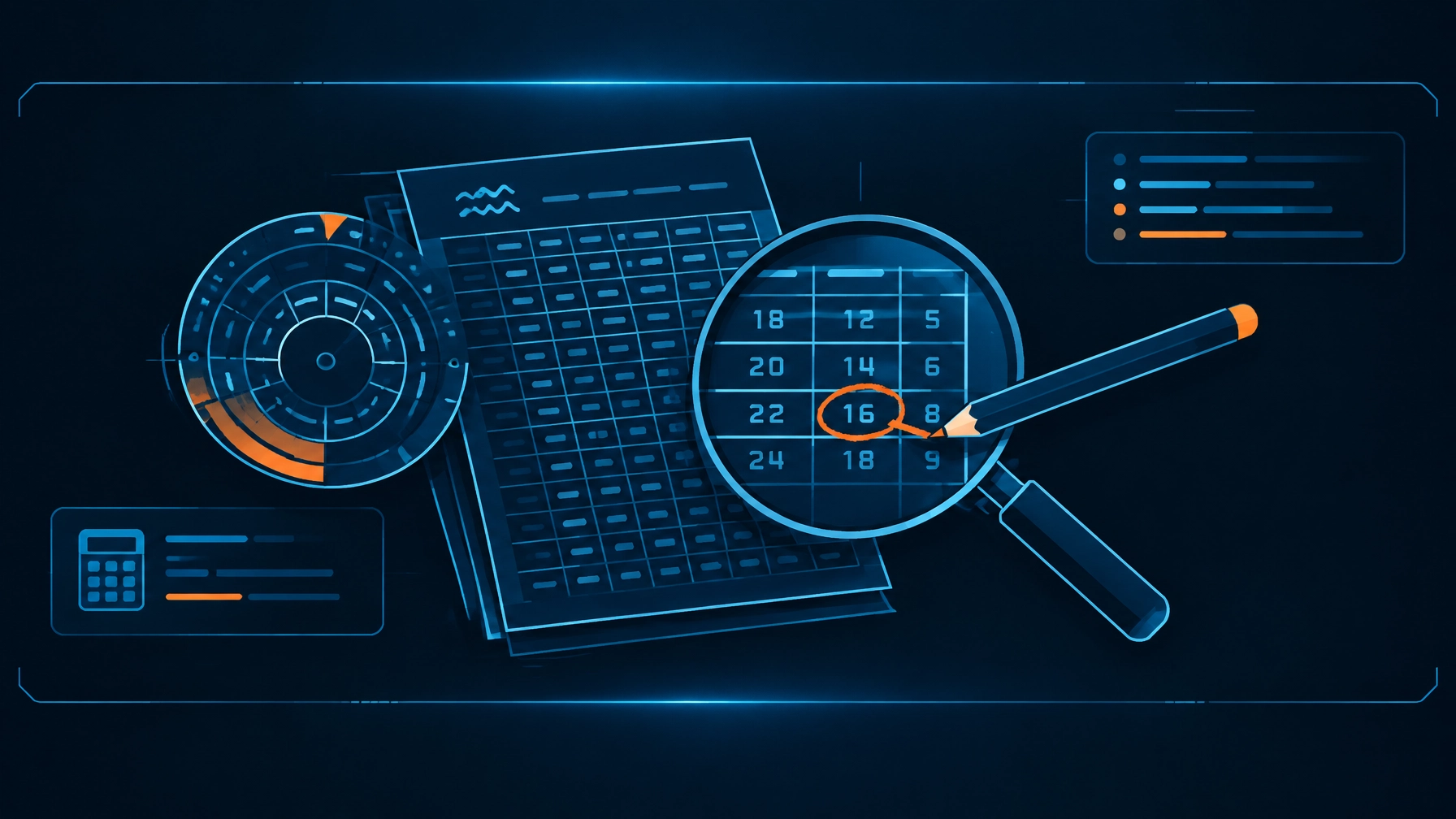
None of those tools was pointless. Tables and wheels taught divers to think about depth, time, and residual nitrogen. The RDP, introduced in 1988, was developed for recreational no-stop diving. But learning a useful method and enjoying the tool used to apply it are two different things. Read more about the RDP’s history and the evolution of dive-planning tools.
That gap helps explain the familiar classroom-to-dive-site pattern. “Plan your dive, dive your plan” is a sound principle. But if the planning process is fiddly, inconvenient, or hard to repeat, the slogan can start to sound like homework assigned by someone who has never tried to write on a rocking boat.
The problem wasn’t planning. It was friction.
Planning is not busywork. It gives you a chance to think through a profile before you’re managing it underwater. The problem is that manual tools can make each adjustment feel like starting over.
Modern dive planner software can remove much of that friction. Instead of cross-referencing a grid and redoing arithmetic, adjust a planning input and see the related outputs update. Change depth, gas, or gradient-factor settings, and the plan recalculates. The interface does the bookkeeping; you stay responsible for understanding what the numbers mean.
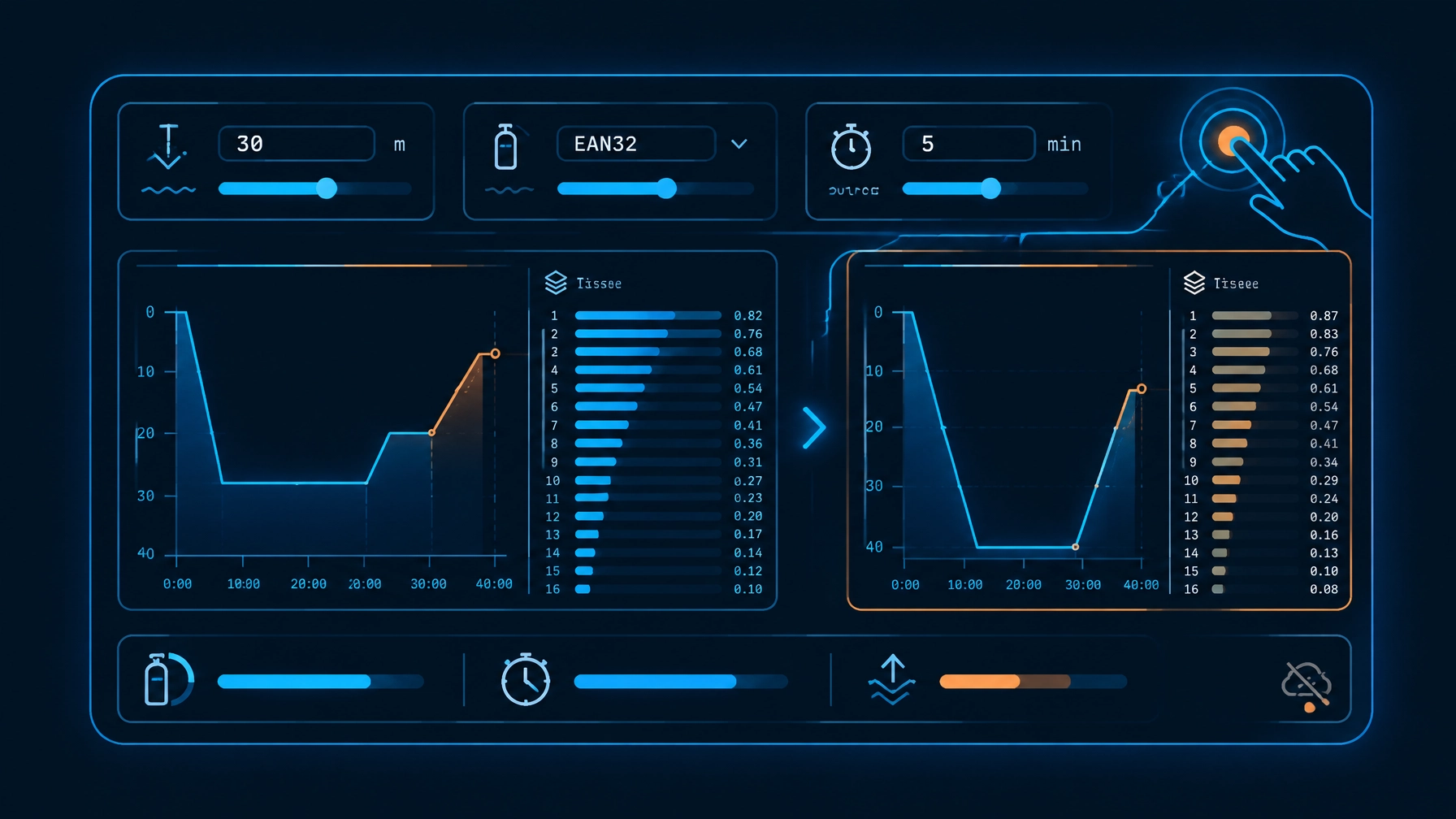
That is the idea behind DiveCommand. It runs in a browser, requires no account, and can be installed on a device for offline use. You can plan on a phone, tablet, or laptop without relying on boat Wi-Fi or a cellular connection. The decompression and logging calculations work offline; features that require live data, such as marine forecasts, need a connection when you use them.
For recreational and technical planning, DiveCommand uses the Bühlmann ZHL-16C model with gradient factors and tracks all 16 tissue compartments. Its free version includes single-dive planning, Nitrox calculations (including maximum operating depth (MOD), partial pressure of oxygen (ppO₂), and equivalent air depth (EAD)) and automatic altitude corrections up to 11,000 feet.
The point isn’t that a screen makes a dive simple. It’s that changing a planning assumption no longer has to mean hunting through several tables and rewriting your slate.
Change an input. Check what else moves.
A useful planner should make the consequences of an adjustment visible. Switch from air to Nitrox, for example, and the relevant gas calculations change with it. Adjust depth and review how the plan responds. The interface should make it easier to examine the plan, not quietly make the decision for you.
The same principle matters for technical diving, where multiple gases, decompression schedules, and exposure tracking add complexity. DiveCommand Pro adds Trimix planning, multi-day repetitive dive tracking, CNS oxygen exposure and OTU calculations, a no-fly countdown, a 37-tank library, marine forecasts, and a digital logbook with CSV export.
For divers on a liveaboard, multi-day tracking is especially useful: the plan for tomorrow can account for the tissue state carried forward from today, rather than treating each morning as a fresh start. That is a more meaningful job for software than making your pencil look tidier.
DiveCommand also publishes details of its algorithm testing. Its validation page reports 4,828,035 checks against an independent reference implementation — every NDL and decompression schedule matched exactly — with additional checks against exact-physics (Schreiner equation) replays and the open-source Bühlmann engine DecoTengu. The page also explains the conventions used and where results may differ from a particular computer. That matters: matching a decompression model does not guarantee identical displays across every device, because settings and calculation conventions can differ. Review the published test methodology and results.
No pencil is not the same as no thinking
Here’s the important distinction: easier planning should make it easier to plan, not easier to skip judgment.
A planner cannot verify the gas in your cylinder, assess the conditions at the site, confirm that a profile fits your training, or get your team to agree on a plan. Those remain human responsibilities. A planned profile is also not a command to continue when conditions, gas, or the team’s situation call for a change.
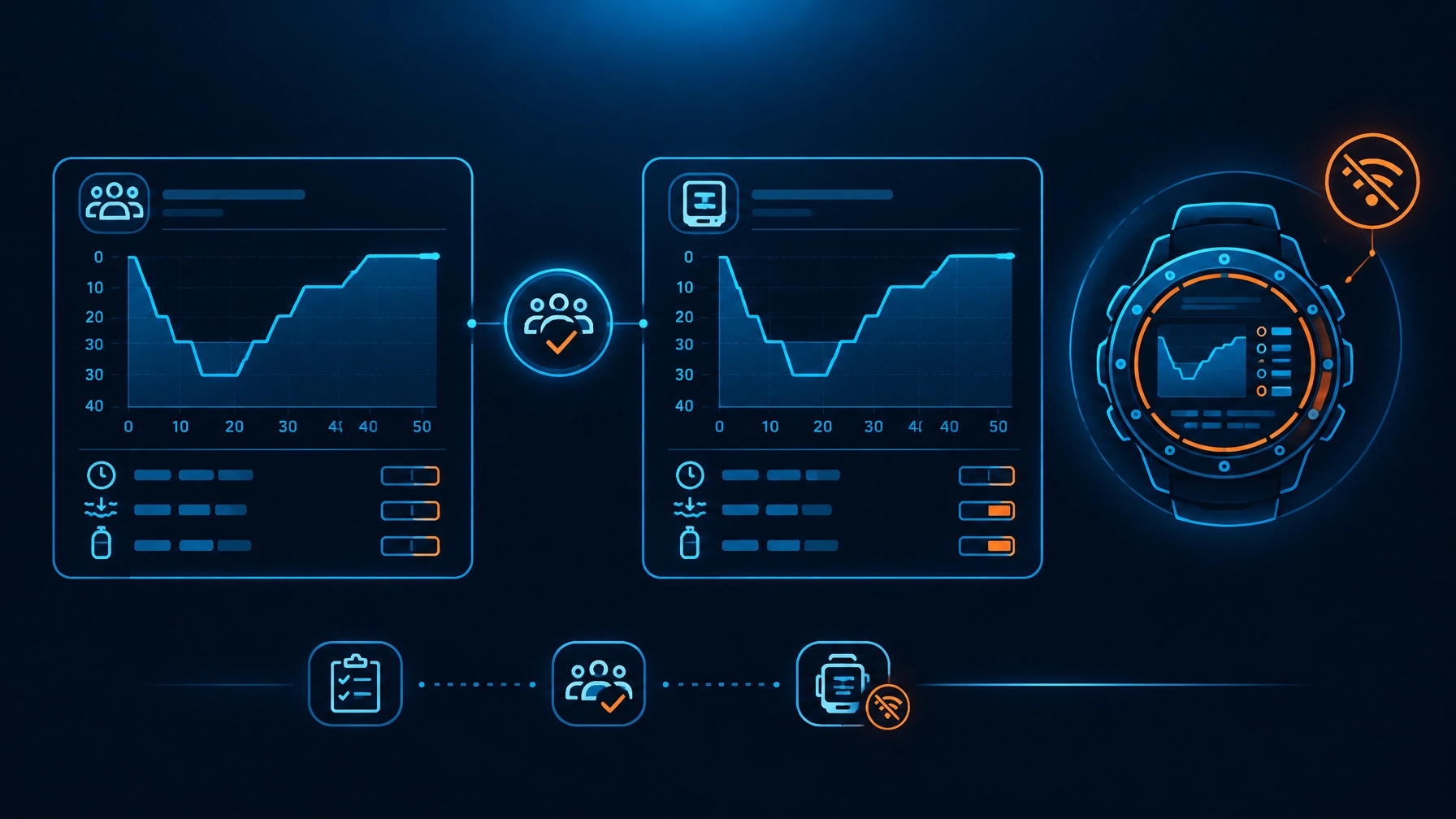
Use the tool to examine a plan and discuss it with your buddy or team. Confirm the gas mix you actually analyzed. Review the settings and assumptions. Take your dive computer underwater; it tracks the dive you’re actually making. A planning app supports preparation. It does not replace training, established procedures, or the computer on your wrist.
If you’re learning a different system, or planning under operational requirements, use the method that applies to your dive. DepthPlanner’s Navy Dive Tables 101 guide explains how U.S. Navy Rev 7 air tables differ from a Bühlmann ZHL-16C planner. They are distinct methods, not interchangeable sets of numbers.
Retire the pencil, or keep it as a backup
There will always be a place for understanding the fundamentals. A pencil is still handy. A slate is still useful. And knowing how your planning method handles depth, time, gas, and repetitive diving matters whether the result is written by hand or displayed on a screen.
But you don’t need to romanticize the friction. If the old process made you avoid planning, that reaction is understandable. Today, you can adjust a profile with a tap, see the outputs update, and do it without a connection.
Try the free DiveCommand planner and see whether planning feels less like an exercise in erasing, and more like a useful conversation with your dive team.