On a liveaboard, the first dive of the trip and the last dive of the week do not start from the same tissue state. A schedule might include three to five dives a day over five to seven days. Each dive and surface interval changes the nitrogen load carried into the next profile.
That is why multi-day repetitive dive planning should account for more than the latest dive or a single “residual nitrogen” estimate. It needs to track how loading changes across the dive sequence, and it needs to work where the boat is going. DiveCommand Pro combines multi-day repetitive dive tracking with offline operation, so you can plan and review a trip without relying on a signal at sea.
Nitrogen carry-over is not one number
Bühlmann ZHL-16C models nitrogen uptake and release in 16 theoretical tissue compartments. Each has a different half-time: faster compartments change more quickly, while slower ones retain loading longer. During a surface interval, tissues release nitrogen at different rates. Overnight, that process continues; it does not mean every compartment has returned to its starting state by morning.
A “residual nitrogen time” can be useful in a table procedure, but it is a simplified representation. A multi-compartment model instead carries the state of all 16 compartments through the planned sequence. That matters when planning repetitive dives, especially when depths, gases, or intervals vary.
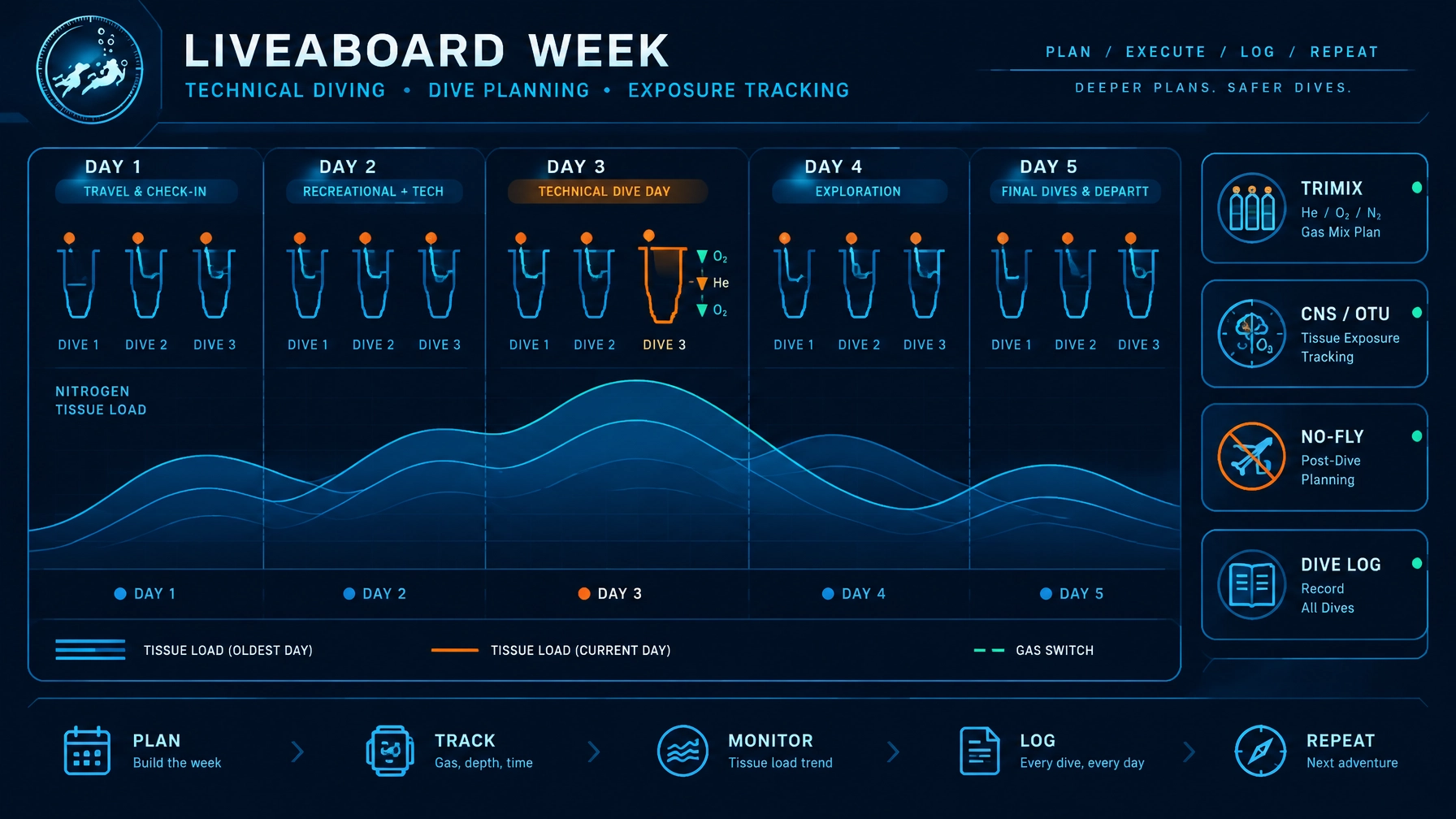
Consider a liveaboard itinerary with several dives each day. The next dive’s available no-stop time may be shorter than it would be for the same depth on day one, depending on the actual profiles, gases, and intervals. That difference is illustrative, not a fixed day-by-day rule: the dive plan, not the calendar day alone, determines the tissue state.
For a grounding in table-based approaches to repetitive dives, see our guide to Navy dive tables and residual nitrogen procedures. Navy Rev 7 tables and Bühlmann ZHL-16C are different planning methods. Their outputs are not interchangeable.
Why trip-level planning helps
A multi-day plan gives you a view of the sequence before you are on the boat. You can enter the dives and surface intervals you intend to make, then see how the modeled tissue loading carries forward across the trip.
That context helps you evaluate the itinerary rather than treating each dive as an isolated plan. If a day appears more demanding than expected, you can review the proposed sequence with your dive team or instructor and make adjustments before the trip. The model does not decide what is appropriate for you; it makes the assumptions and carry-over visible for informed review.
DiveCommand runs Bühlmann ZHL-16C with gradient factors. It tracks all 16 compartments live during planning. The default gradient factors are GF 50/85 in Rec mode and 50/70 in Tech mode, matching the current Shearwater defaults. Different settings and conventions can produce different results, so compare plans using the same model and settings where possible.
Offline matters when the boat is out of range
Liveaboards often travel beyond reliable cellular service. Boat Wi-Fi may be unavailable or inconsistent, and remote destinations such as Cocos, Socorro, Raja Ampat, and Red Sea itineraries can mean days without a dependable connection.
A planner that requires connectivity can become inaccessible just when you want to check the next day’s plan or record a dive. DiveCommand is browser-based, requires no account, and can be installed on a device for offline use. Its decompression and logging calculations work without cellular service or Wi-Fi.
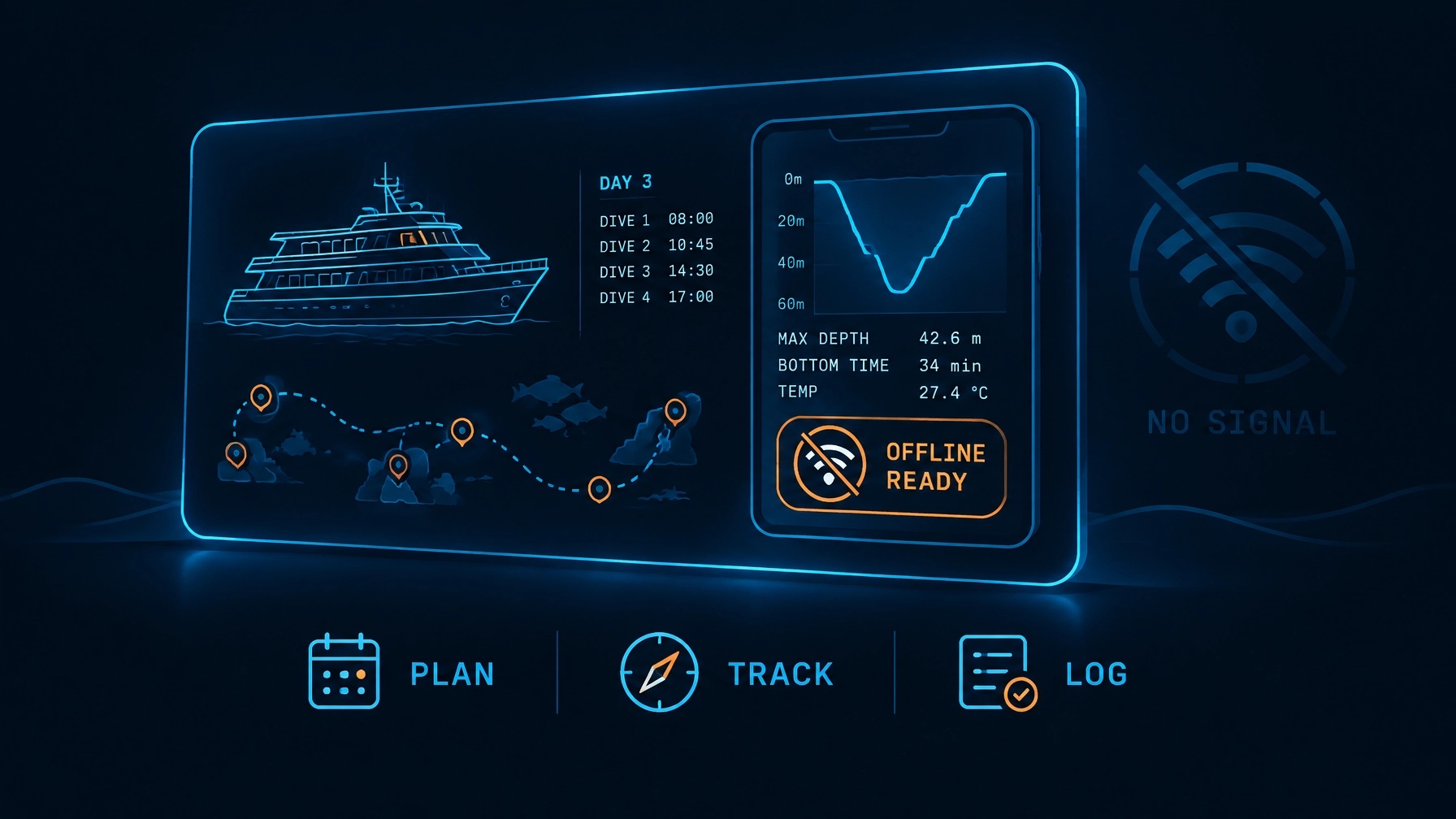
That makes offline access a practical part of trip preparation:
- Before departure: install the planner and build the intended itinerary.
- During the trip: review and update plans without depending on a network.
- After diving: keep the log and exposure record on the device.
Offline functionality supports access to planning and logging tools. It does not mean conditions or forecasts are available without a connection, and it does not replace a dive computer’s underwater tracking.
Multi-day tracking also matters in technical diving
Technical diving can involve consecutive decompression days, such as an extended-range course or expedition-style trip. In those settings, planning needs to account for more than a single profile. DiveCommand Pro adds full Trimix planning and CNS%/OTU calculations alongside multi-day repetitive dive tracking.
CNS% and OTUs help divers monitor oxygen exposure. Because exposure and recovery occur over time, tracking these metrics across a series of dives can help with reviewing a week’s planned and actual diving. They are planning information, not a substitute for staying within training, gas, and operational limits.
Pro also includes a no-fly countdown timer. After the final dive, it provides a reference for the remaining wait before flying. Follow applicable guidance and your training; a timer does not account for every personal or operational factor.
For trips that include altitude diving, DiveCommand automatically corrects for altitude up to 11,000 feet. The Free version includes single-dive ZHL-16C planning, Nitrox planning (MOD, ppO₂, and EAD) and those automatic altitude corrections. Multi-day repetitive tracking and Trimix planning are Pro features.
Keep the week’s record, not just the plan
A plan is based on what you expect to dive. A useful log records what you actually did. DiveCommand Pro includes a digital dive log with CSV export, providing a record that can be reviewed after the trip or retained for personal documentation.
That distinction is important on a busy itinerary. If an actual dive differs from the plan, the next planning decision should account for the real dive, not simply carry forward the schedule you intended to follow. Use your dive computer’s recorded information and your team’s established process when updating the picture.
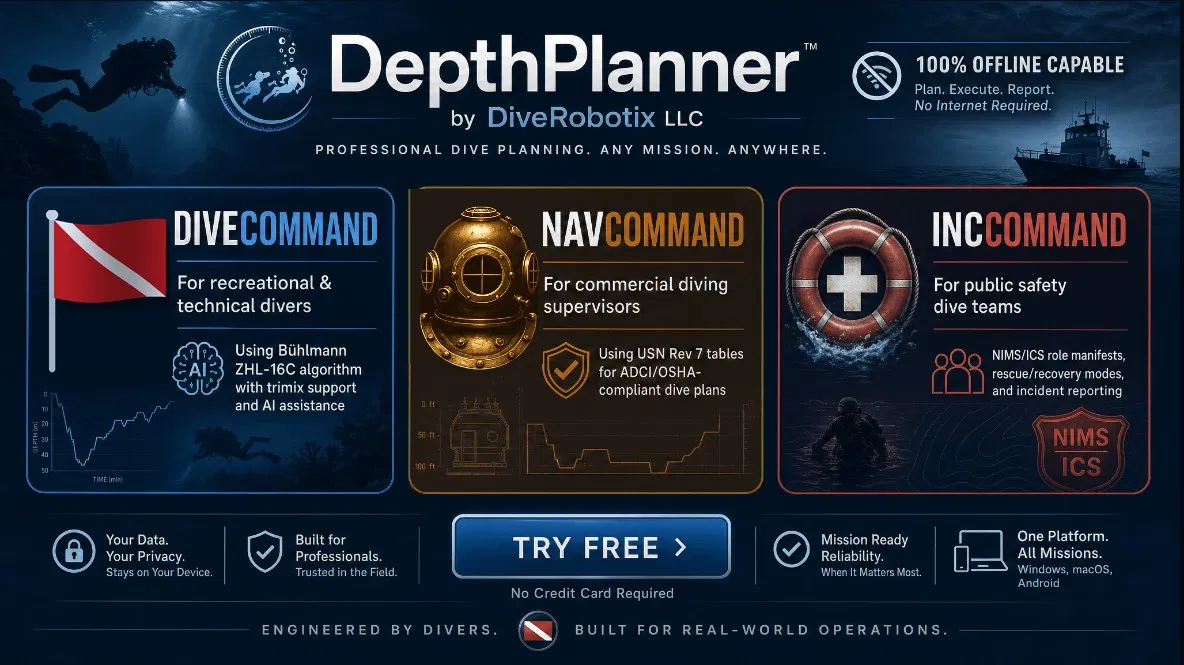
DiveCommand’s stated algorithm verification reports Δ=0 across 12,067 test cases compared with Shearwater, Garmin, and Suunto computers. That is a specific validation claim, not a promise that every display will match in every circumstance. Settings and implementation conventions can differ. Review the assumptions used in your planner and computer before comparing results.
Use the planner as a planning tool
DiveCommand can help you examine a multi-day schedule, track modeled tissue loading, and keep planning and logging available offline. It does not replace the dive computer you use underwater, diver training, team procedures, or professional judgment. Plan within your certification and experience, confirm gases and equipment, and revise or cancel plans when conditions require it.
For more context on DepthPlanner’s approach to modern planning tools, read “After 38 Years, Dive Planning Gets an Upgrade”. To explore the features and try the single-dive planner, visit DiveCommand.