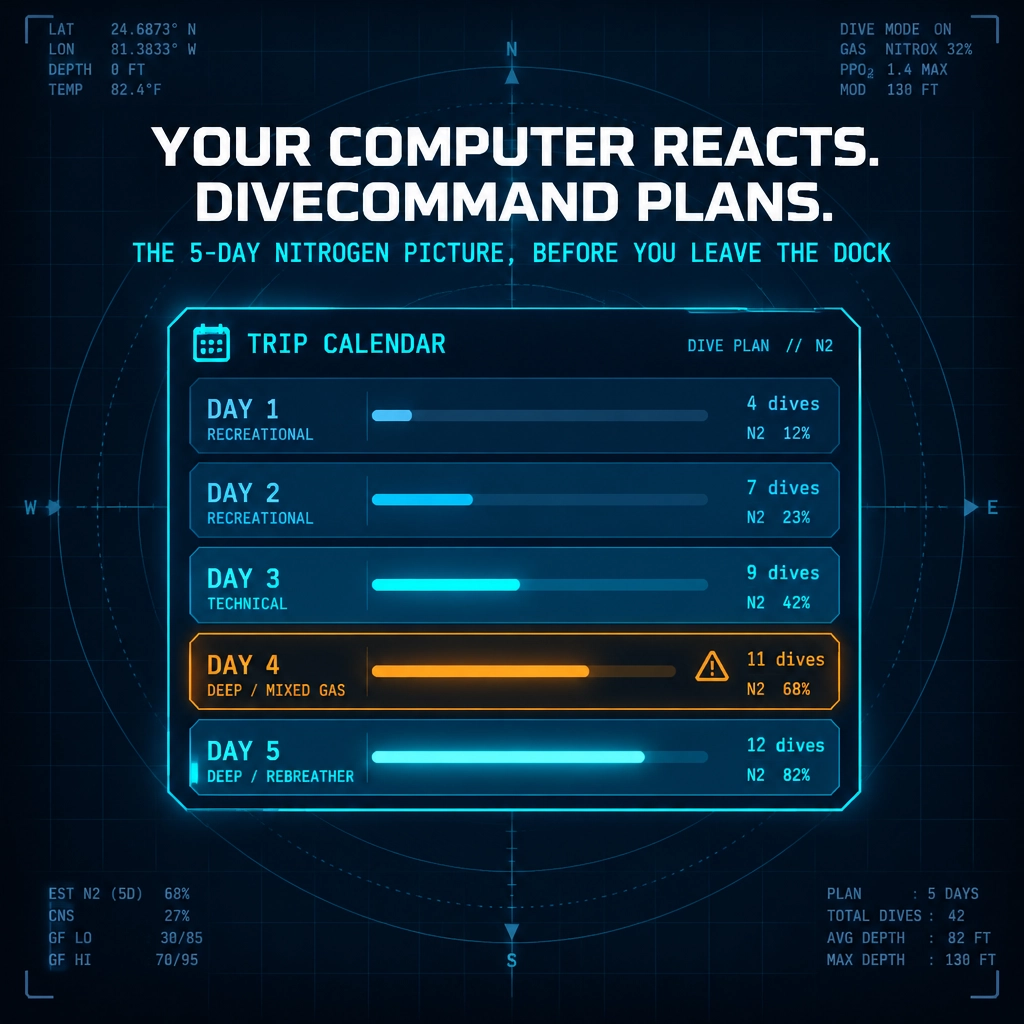
On the first day of a liveaboard, each planned dive may look straightforward on its own. By the middle of the week, the sequence matters: previous dives, surface intervals and nights all shape the modeled tissue state for what comes next.
Your dive computer is built to track the dive you are doing. It does not give you a calendar view of nitrogen across the entire trip. DiveCommand’s Trip Planner is designed to make that longer view available before you leave the dock, and keep it useful as the itinerary changes.
This article focuses on the workflow: building the calendar, spotting the heaviest day, updating plans with actual dives, and checking no-fly time against your flight home. For background on why multi-day tissue tracking matters, see Multi-Day Nitrogen Tracking: Why Offline DiveCommand Is Made for Liveaboards and Tech Diving.
Build the week, not just the next dive
Start with the schedule you expect to dive. Add the planned dives for each day, including the profile details used by the planner, such as depth, time and gas. Include the surface intervals between dives, and work through the trip in order.
DiveCommand carries modeled tissue loading forward across the dives and overnight periods. That gives you a calendar-level view of how the planned sequence develops, rather than treating each morning as a fresh start. You can review the week before departure and see where one day’s plans affect the next.
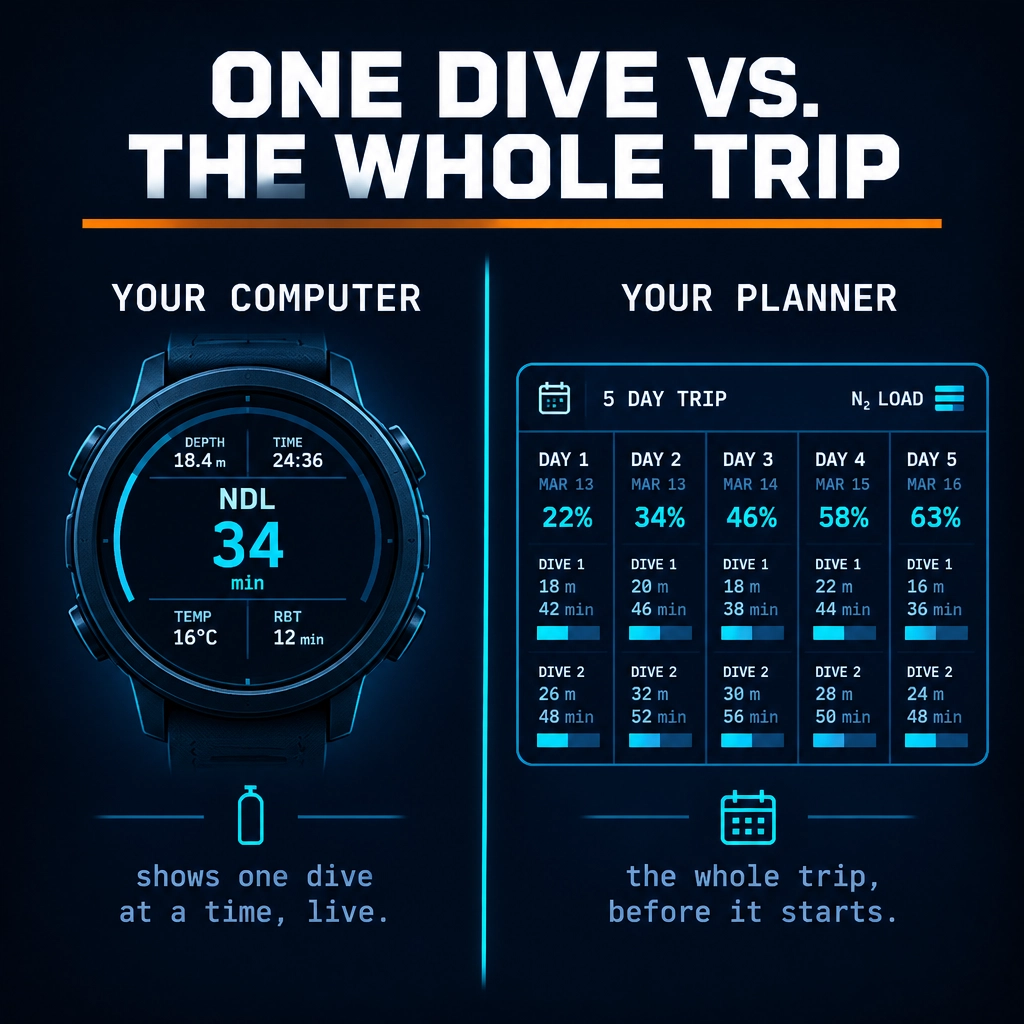
The calendar is a planning view, not a commitment to follow a fixed itinerary. Liveaboard schedules can change with conditions, boat operations or the dive team’s judgment. The value of laying out the expected trip early is that you can examine the sequence and its assumptions while there is still time to consider alternatives.
Find the heaviest day before you are onboard
A trip calendar makes it easier to notice when the modeled load peaks. Instead of asking only whether the next dive looks workable, review the full schedule and identify the day with the highest projected nitrogen load.
For example, an illustrative planner flag might read: “Day 3 is your heaviest at 86% nitrogen load, move the deep dive or switch dive 2 to EAN32.” That is a prompt to review the plan, not a universal limit or a directive to change gas. Any adjustment must fit the diver’s training, gas analysis, equipment, team procedures and conditions.
The practical advantage is timing. Before the trip, you can compare options, such as moving a planned dive or revising the sequence, and see how the calendar changes. The software recalculates the planned trip so you can examine the effect across subsequent dives.
Treat the displayed load as a result of the model and the inputs you selected. It is not a standalone measure of personal risk, and it does not replace qualified judgment. If the itinerary or conditions change, reassess the plan rather than assuming the original calendar still applies.
Reconcile the plan with the dives you actually made
A planned profile and an actual profile are not always the same. A dive may run deeper or longer than expected, or the day’s sequence may change. If tomorrow’s planning starts from the intended schedule instead of the dives you actually completed, the picture can become less useful.
DiveCommand supports importing real dives from Garmin computers and from UDDF files, including Shearwater Cloud exports. The imported records can be overlaid against the plan, allowing you to compare what was planned with what the computer recorded. The trip’s tissue tracking can then start from the nitrogen loading associated with the actual dives, not simply the itinerary you expected to follow.
That creates a repeatable plan-vs-actual loop:
- Plan: Lay out the expected trip on the calendar.
- Dive: Use your dive computer to monitor the dive in progress.
- Import: Bring the recorded dive into DiveCommand.
- Compare: Review the actual profile against the plan.
- Update: Use the real dive history as the basis for the next planning review.
This is especially useful during a multi-day trip because a changed dive can affect the days that follow. The imported record helps keep the planning context aligned with what happened, while the dive computer remains the instrument used underwater.
DiveCommand uses Bühlmann ZHL-16C with published coefficients and the same gradient-factor method and defaults as Shearwater and Garmin: GF 50/85 for recreational planning and GF 50/70 for technical planning. Its validation reports 4.83 million automated checks with zero app errors against an independent reference model, including 919,360 matched NDLs. Different computer settings or implementation conventions may still affect comparisons, so check that the assumptions match when reviewing results. See the published DiveCommand test results.
Check no-fly time against the flight you booked
The last dive is not just another calendar entry. It starts the clock that matters when you are planning to fly home. Build the actual flight departure into your trip review and compare it with the no-fly time after diving.
The key is to check the schedule you intend to follow, then revisit it if the final diving day changes. If a dive is added, moved later or differs materially from the plan, do not rely on the original calendar’s no-fly timing. Update the plan using the actual dive record and confirm the resulting clearance against the flight you will take.
This check is a planning aid, not a guarantee that flying is appropriate in every circumstance. Follow applicable guidance, your training and any more conservative requirements from your operator or dive team. If you have concerns about your individual circumstances, seek qualified medical advice.
Prepare for the boat’s offline reality
A liveaboard may spend time beyond reliable cellular or Wi-Fi service. DiveCommand runs in the browser, requires no account and works offline, so you can prepare the trip and use the planning and logging calculations without a connection.
Set up access before departure, build the itinerary while you have time to review it, and make sure your dive records are available for the plan-vs-actual workflow. Offline access applies to the planner; it does not make forecasts or other live information available without a connection.
A practical pre-departure checklist
Before leaving the dock:
- Lay out the expected dives and intervals across the trip calendar.
- Review the projected tissue-loading pattern and identify the heaviest day.
- Consider any schedule changes with your team before the trip, not as an automatic response to a software flag.
- Confirm your flight departure and check the no-fly timing against the planned final dive.
- Prepare the browser-based planner for offline use.
- After diving, import actual records so the next review reflects the dives completed.
DiveCommand supports planning and review. It does not replace your dive computer, training, team procedures or judgment. Dive plans may need to change with conditions, and a calendar cannot authorize a dive.
The Trip Planner is included with DiveCommand Pro, priced at $49 per year or $199 for lifetime access. A free plan is available forever. You can explore DiveCommand or start with the free plan to see which workflow fits your trip.